
Best Focus Apps for Canadian University Exams and MCAT
During finals, your phone is simultaneously your campus pass, group chat, flashcard deck and fastest route to losing an hour. You do not need to abandon it. You need a study configuration that separates essential access from endless checking.
Build around campus life, not an imaginary offline day
| Situation | Allow | Remove |
|---|---|---|
| Library revision | Campus login, transit, calls, notes and flashcards | Feeds, games and shopping |
| Group-project meeting | The agreed group communication tool and shared files | Other social notifications |
| MCAT practice | Official prep on the correct device and an error log | Phone checking during timed passages |
| Commuter study | Tickets, maps, downloaded resources and family contact | Recommendation feeds |
A Canadian finals-week routine
Make one profile for the library and one for commuting. Keep the campus authentication app and transit access working; a strict blocker that breaks either will get abandoned. Download notes before entering a poor-signal study area. Do not put essential access behind an untested Hard lock.
Work backwards from the next assessment. A lab course, a problem-based final and a reading-heavy course need different outputs. Pick a set of questions, one essay outline or a closed-book recall sheet. Use a timer to protect that work, not to substitute for it.
MCAT preparation: protect passages and review
Use AAMC’s current official preparation information for content and practice. Keep full-length practice and short revision sessions separate. During a timed practice window, place the phone out of reach and run a single normal block; during review, allow the resources needed to understand mistakes.
Canadian university requirements and MCAT expectations vary by institution. This guide does not set admissions requirements. Its job is to help you keep a planned study session intact, whether you are preparing between shifts, commuting or sharing a study space.
Pick the app for the campus distraction you actually face
| Your problem | Shortlist | Why it fits |
|---|---|---|
| Group chats and feeds wreck library time | FocusComet | The apps disappear for the session; calls and campus tools stay |
| You want granular app and website rules | AppBlock or Stay Focused | Detailed schedules and strict controls |
| Your term lives in a task manager | Focus To-Do or Engross | Timer and tasks together |
| A visual reward keeps you going | Forest or FocusComet | Trees or a growing universe |
| You want to start free today | Android Digital Wellbeing | Built-in Focus mode on many phones |
Finals in December and April, MCAT in between
Most Canadian universities run finals in December and April, and MCAT test dates run from January to September. That makes the year two sprints with an MCAT marathon threaded through it.
Term: schedule a session for the same block after class every weekday so readings get done before the feed opens. Finals weeks: run long library sessions with Vanish Mode clearing Instagram, TikTok and games off your screens while your learning platform and campus authentication stay put. MCAT season: one uninterrupted session per full-length practice test, and Hard lock on the nights before your real date.
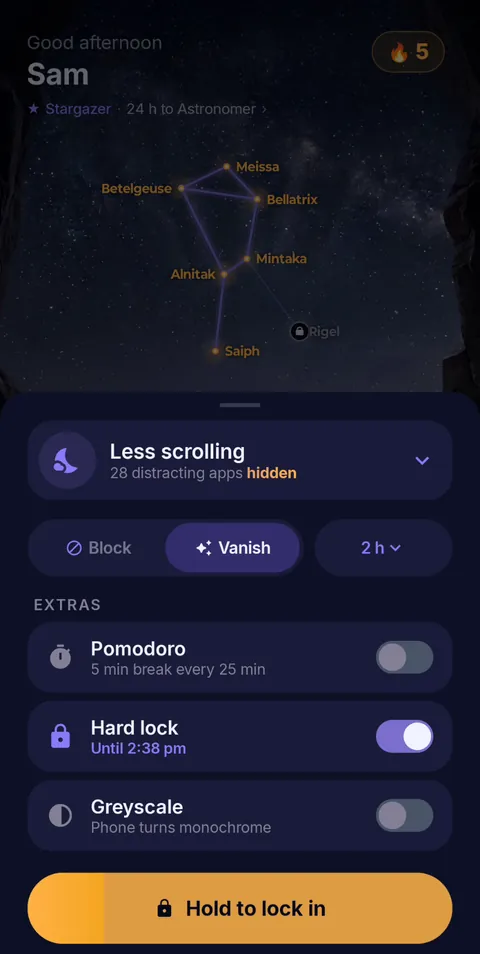 Hold to lock in
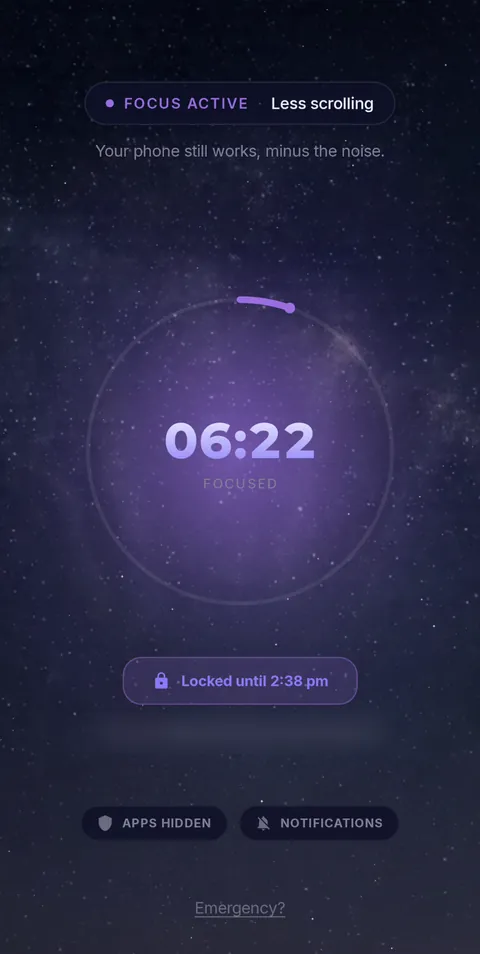 Locked until the timer ends
- Vanish Mode
- Pomodoro 25/5
- Hard lock
- Sessions up to 12 h
- Daily schedules
Frequently asked questions
What is the best Android focus app for Canadian finals or MCAT prep?
FocusComet when the phone itself is the distraction: Vanish Mode takes the tempting apps off your screens and hands them back when the session ends. For website rules, compare AppBlock or Stay Focused; for task-led planning, Focus To-Do.
Should I use Pomodoro during an MCAT full-length?
No. Run full-lengths at real timing in one session. Save 25/5 rounds for content review and Anki.
Can I keep my LMS, Duo authentication and calls working?
Yes. Hide only the distractions, or use Allow-only to keep the short list your degree depends on.
Sources and scope
MCAT details come from the AAMC; app details come from each developer’s official pages. Checked November 2026.