
Monk mode for your phone: rules, schedule and setup
Monk mode is a period, usually 30 to 90 days, where you strip your life back to the essentials and pour your attention into one goal: an exam, a launch, fitness, a skill. Almost every monk mode plan has the same first rule, and it's about your phone. Here is how to make that rule stick.
Monk mode on your phone means only tools during the day, no feeds. Set it up so you don't rely on willpower: hide social and video apps on a daily schedule, silence everything but people, and use a lock you can't end early for your deep-work blocks.
Common monk mode phone rules
- No social media feeds or short videos, or one short window a day.
- No phone for the first hour after waking or the last hour before bed.
- Notifications from people only.
- The phone stays out of sight during deep-work blocks.
- Track your focused hours, not your screen time.
Pick three. A plan you can keep for 30 days beats a perfect plan you drop on day four.
A sample monk mode day
| Time | Block | Phone |
|---|---|---|
| 6:30–7:30 | Wake, move, plan | Feeds hidden |
| 8:00–11:00 | Deep work block 1 | Locked, tools only |
| 11:00–12:00 | Admin, messages | Normal |
| 13:00–16:00 | Deep work block 2 | Locked, tools only |
| 18:00–18:20 | Social media window | Normal |
| 21:30 onward | Wind-down | Feeds hidden |
Setting up your Android for monk mode
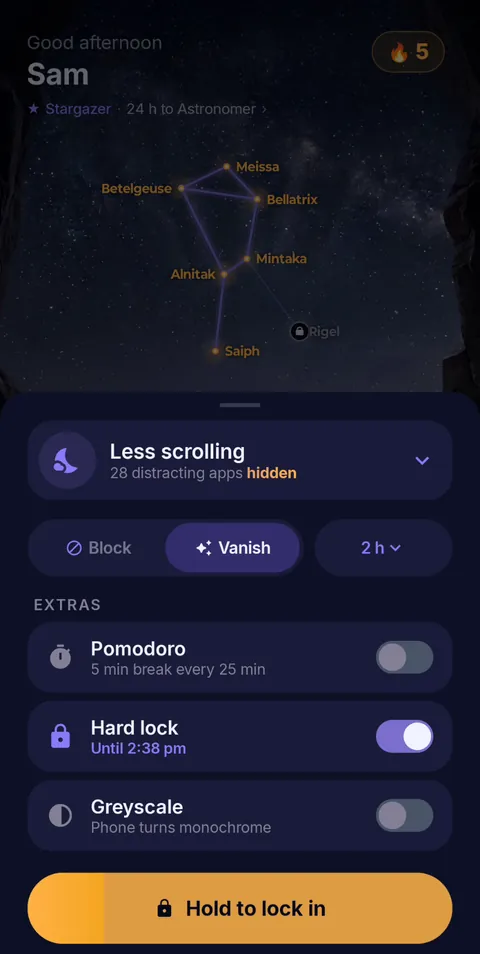
- Make a “Monk” profile. In FocusComet, choose every feed, video and game app. In Vanish Mode they disappear from your home screen, app drawer and dock for each session. Your tools stay.
- Schedule your blocks. Put your deep-work hours on a schedule so they start without a decision.
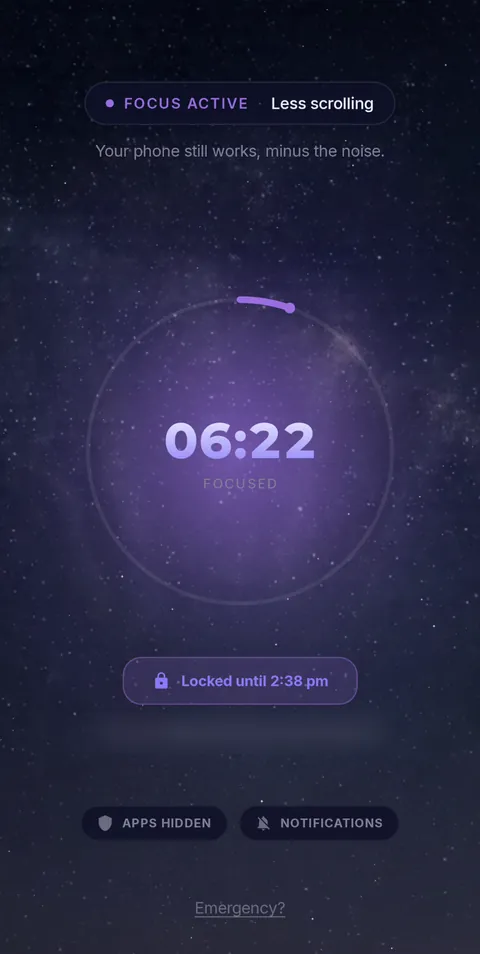
- Lock in the hard blocks. For the blocks you keep cutting short, Hard lock removes the End button until the timer runs out.
- Go grey. Vanish Mode's optional Greyscale makes the home screen grey during a session. See why grayscale helps.
- Count the hours. FocusComet turns every focused hour into stars in your own universe, a more motivating scoreboard than a screen-time chart.
How long should monk mode last?
30 days is the most common choice. It's long enough for the urges to fade and short enough to commit to. Many people run 90 days for a big goal. Whatever you pick, decide in advance what happens after: ending monk mode with a full binge undoes much of the benefit.
Monk mode without a dumbphone
Some people buy a basic phone for monk mode. You don't need to. A phone with only tools on the home screen is a dumbphone in software, and you keep maps, banking and your messaging apps.
 Hold to lock in
 Locked until the timer ends
Monk mode, minus the willpower
FocusComet hides feeds and games on a schedule, locks in your deep-work blocks with Hard lock, and turns focused hours into a universe of stars. Free Forever plan on Android.
Get it on Google PlayFrequently asked questions
What is monk mode?
Monk mode is a set period, often 30 to 90 days, where you cut distractions and indulgences to focus on one important goal. Limiting phone and social media use is usually its first rule.
What are the rules of monk mode?
There's no official list. Common rules are no social feeds, no phone in the first and last hour of the day, people-only notifications, daily exercise and a fixed deep-work schedule. Pick a few you can keep.
Is there a monk mode app?
There's no single monk mode app, but focus apps cover the phone part. FocusComet hides distracting apps on a schedule and offers Hard lock for blocks you can't end early.
How long should monk mode last?
Thirty days is a common starting point. Ninety days suits bigger goals. Plan how you will return to normal life so the end does not become a binge.