
Best Focus Apps for 8, 10 and 12-Hour Study Days
The best app for a long study day is not the one that traps you longest. It is the one that keeps the same distraction rules running while you move between reading, practice, lunch and review.
Buy control, not an endurance badge
| Study pattern | Required capability | What to test |
|---|---|---|
| Four-hour morning | Reusable selective profile | Notes and calculator remain usable |
| Eight-hour library day | Schedules plus real breaks | Access to food, travel and authentication |
| Ten-hour exam-prep day | Long sessions and different profiles | Mock profile differs from revision profile |
| Twelve-hour window | Explicit duration support | Breaks, essential apps and an intentional finish |
Compare these app types
FocusComet runs sessions of up to twelve hours. It combines temporary app hiding with optional fixed 25/5 Pomodoro. Hard lock is a separate manual choice. A long ordinary session may be enough when the goal is continuity rather than stronger restrictions.
AppBlock and Stay Focused deserve a close look when recurring rules, websites and strict settings matter most. Check current Android duration and paid-plan limits instead of assuming “unlimited” applies to every control.
Lock Me Out is a rule-driven alternative with scheduled and usage-based lockouts. Focus To-Do and Engross suit timer-and-task planning. Compare the strength of app control separately from the length of the timer.
Medical students: keep essential access out of the experiment
A hospital app, clinical reference, rota, authenticator or urgent call is not a distraction. A long library profile and a placement-day profile should be different. Test each one without strict mode first. Never schedule a lock across work or care duties without checking what you must access.
For law and other reading-heavy courses, leave reference material available during reading, then narrow the list for timed practice. The same phone can support both; one permanent maximum-security profile usually cannot.
One long session or several short ones?
Use one ordinary long session when you want the same apps hidden throughout the day. Use several sessions when essential access changes or you want a clear task boundary. Use Pomodoro when it helps you start; avoid automatic breaks in a deliberately timed mock.
Long-session support is not evidence that twelve uninterrupted hours improves learning. Protect sleep, meals and movement. The long-study schedule guide covers pacing; this page covers app selection.
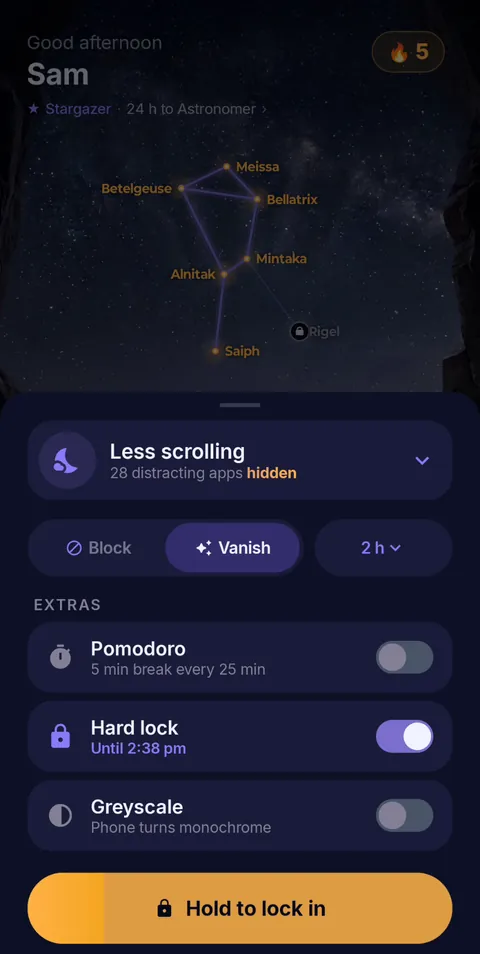 Hold to lock in
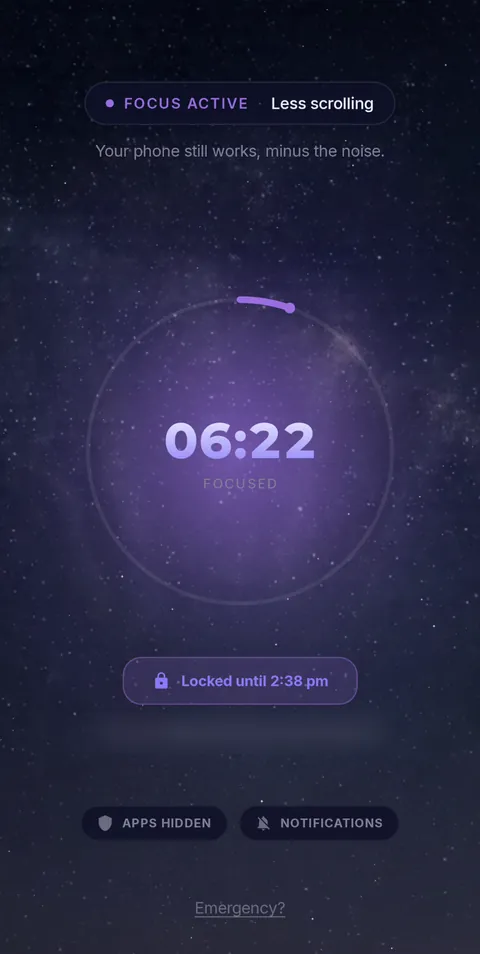 Locked until the timer ends
- Vanish Mode
- Pomodoro 25/5
- Hard lock
- Sessions up to 12 h
- Daily schedules
Frequently asked questions
Which Android focus app supports 12-hour sessions?
FocusComet runs sessions of up to 12 hours, long enough for a full library day, with your essential apps still available.
Does a 12-hour session have to use Hard lock?
No. Session length and Hard lock are separate switches. Run long sessions normally and save Hard lock for the stretches you refuse to break.
Can I take breaks in a long session?
Yes. Use the built-in 25/5 Pomodoro, which brings your apps back for every break, and plan real meals and walks around it.
Sources and scope
Built-in Android features come from Google’s help pages; app details come from each developer’s official pages. Checked November 2026.